
2021 Back to School Apple Buying Guide!
- Euri C.

- Aug 27, 2021
- 2 min read
So seems like some people are going back to school soon or happen to be back im school! So, what are we waiting for? Lets do the 2021 Back To school Apple Buying Guide! (p.s this is for schools which begs you to buy any of these apple products only.)
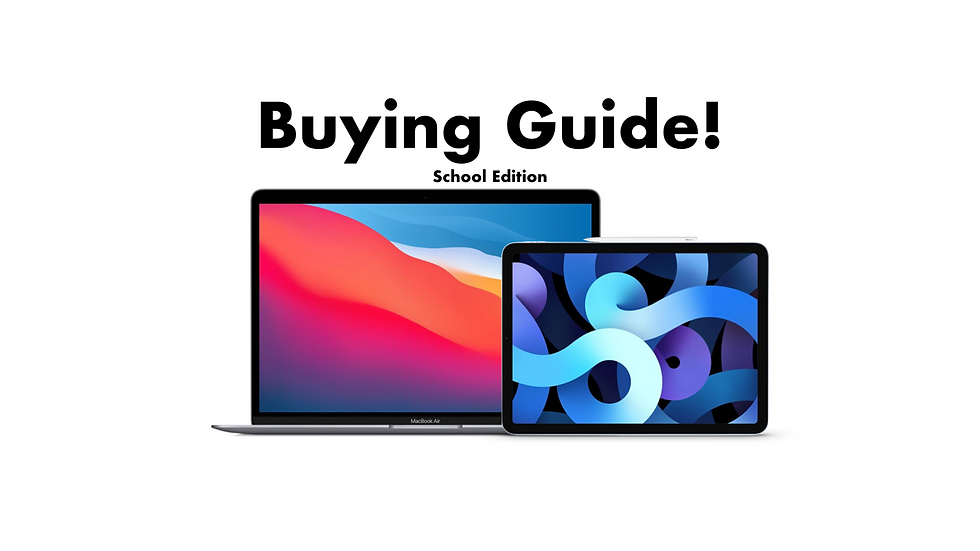
The first apple product i recommend if your school begs for an iPad, I say you go for the 4th generation iPad Air. Plus keyboard and/or apple pencil. Why this? Because it has a one year old 5nm processor, the A14 bionic chip, and almost has the same benchmark scores as the 2020 11” iPad pro which could be smooth enough and could last for around almost or the same or more than the lifespan for software support of the 2020 11” iPad Pro.
Unless you would like any of the 2021 M1 iPad Pro since it got more ram, more storage, almost the same performance as the M1 MacBooks. Yes, it has an M1 chip inside it which can last for around a decade, and has mini-LED if you pick the 12.9” model. Any storage or ram configuration will do. But for the iPad Air, I say 256GB. unless you know how to manage 64GB.
Okay, how about for school who begs for Macintosh?
beginning for those who wants to bring their macs portably, I say the M1 MacBook Air. This Mac could last for around 10 years? Maybe. Anyways, why not the M1 MacBook Pro? The M1 MacBook Pro literally has the same processor as the air but boxy square design and has a fan. But I suggest M1 MacBook Air because, fanless. Dont worry about overheating issues as the processor is Apple’s not intels and has a good cooling system made for the M1. Remember, Quality than Quantity. And its lightweight than the M1 iPad Pro with the Magic keyboard.
ALRIGHTY DESKTOP MAC USERS, at the moment we got 2 worth buying desktop macs.
The first one is for those who wants to bring your own display keyboard and mouse. The M1 Mac Mini. Upcoming M1X Mac Mini is not needed.
And for those who just want all-in-one, 24” M1 iMac will do. No need to wait for the 30”. Also, please stay away from the $1299 model as its at risk to overheating and has a bad cooling system.
Now, what about the accessories? For iPads, I say you buy an Apple Pencil if you will draw stuff on your iPad, I also highly recommend buying the Magic Keyboard (for compatible models) as it is very good. 很好!
But for those who can’t unfortunately afford one, buy the Logitech combo touch. As it almost turns to a surface pro according to this image but runs on iPadOS. But then it’s your choice, I assume you will get the Logitech combo touch?
For dongles, I say you get this one:
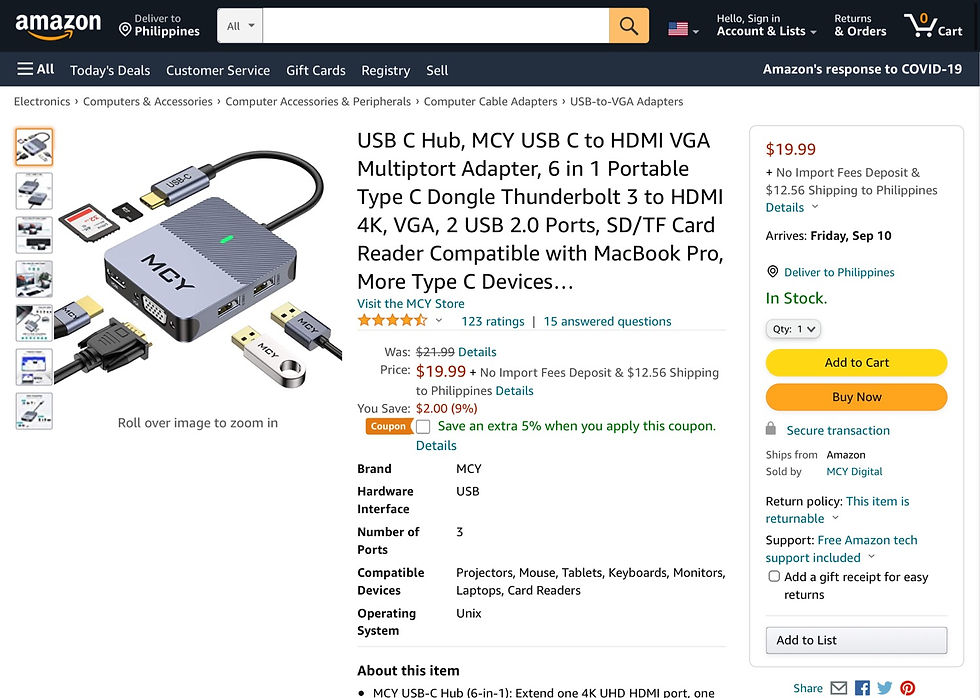
all-in-one, it costs around $20. Affordable and has great reviews while I was searching for this. You can buy one by clicking this. But for those who uses 2-3 USB-C ports, click this, price starts at $29. But for those who currently don’t need any of those, don’t buy one.
This article is imported from my video script and modified.


Comments